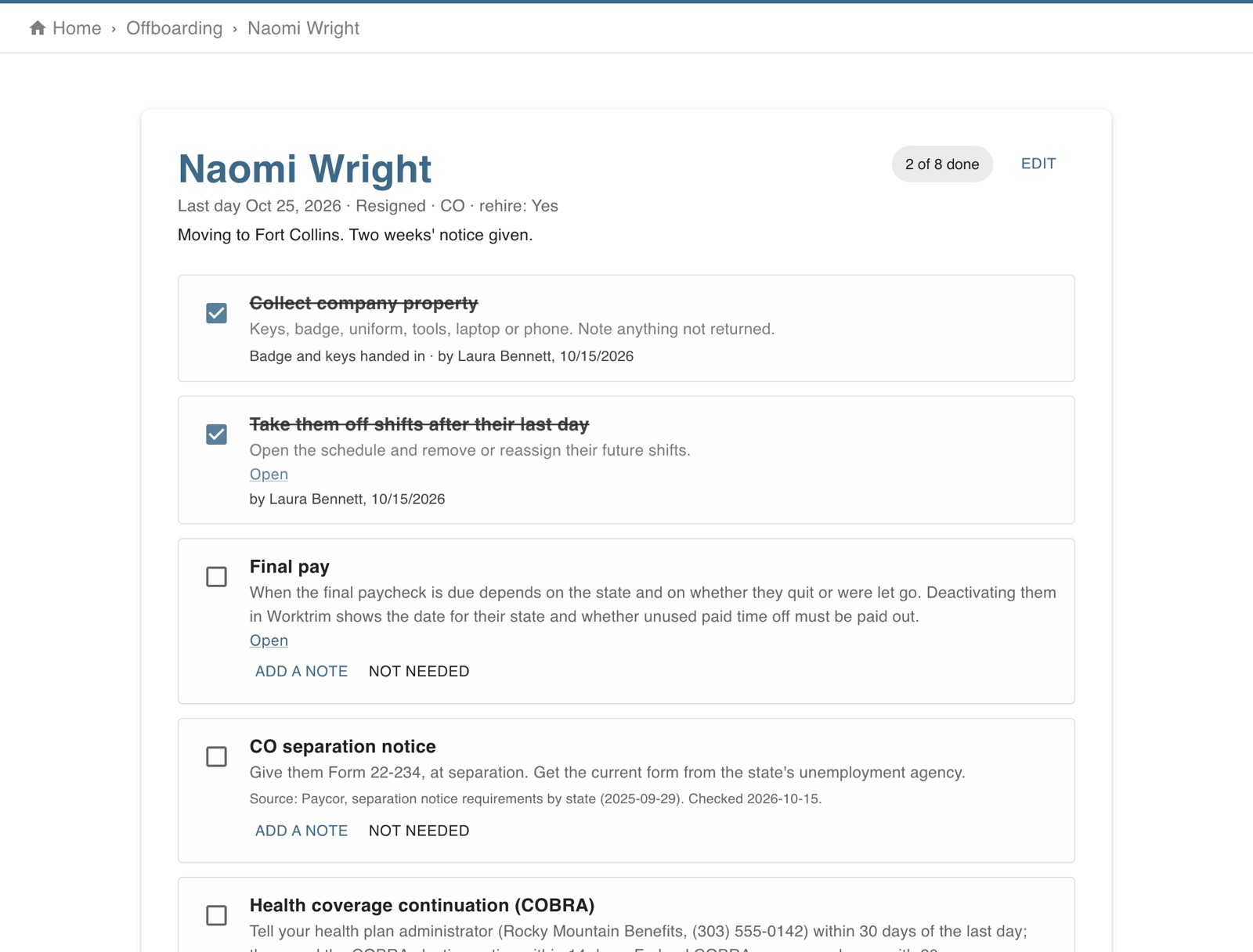
A checklist made for their state: property, shifts, final pay, the state's separation notice, health coverage, access and where to send their W-2, plus optional exit questions and turnover by month.
Part of Time & attendance, on every paid plan.
Steps
Open Account, Offboarding, and choose Someone is leaving: who, their last day, why, and whether you'd hire them again.
The checklist follows their work state: in states that require a separation notice (New York's IA 12.3, New Jersey's BC-10, California's DE 2320 and others) it names the form and when it's due. Get the current form from the state's agency.
If you offer a group health plan (set it under Exit questions and health plan), the checklist reminds you to tell the plan administrator within 30 days so they can send the COBRA notice.
Final pay: deactivating them under Employees shows when their final paycheck is due in their state and whether unused paid time off must be paid out. Deactivate them on their last day.
They're asked a few optional exit questions they can answer until a week after their last day. Tick each item (or mark it not needed) and choose Finish offboarding.
Turnover shows people starting and leaving each month, why they left and by department.
The screen in Worktrim.
Open it in Worktrim
You will be asked to sign in if you are not already.