Retail scheduling and time tracking across every store
Cover the floor on your busiest days, keep each store's hours honest with a geofence per location, and run payroll for everyone from one system.
30-day free trial on Basic • No credit card required • Free iOS and Android apps
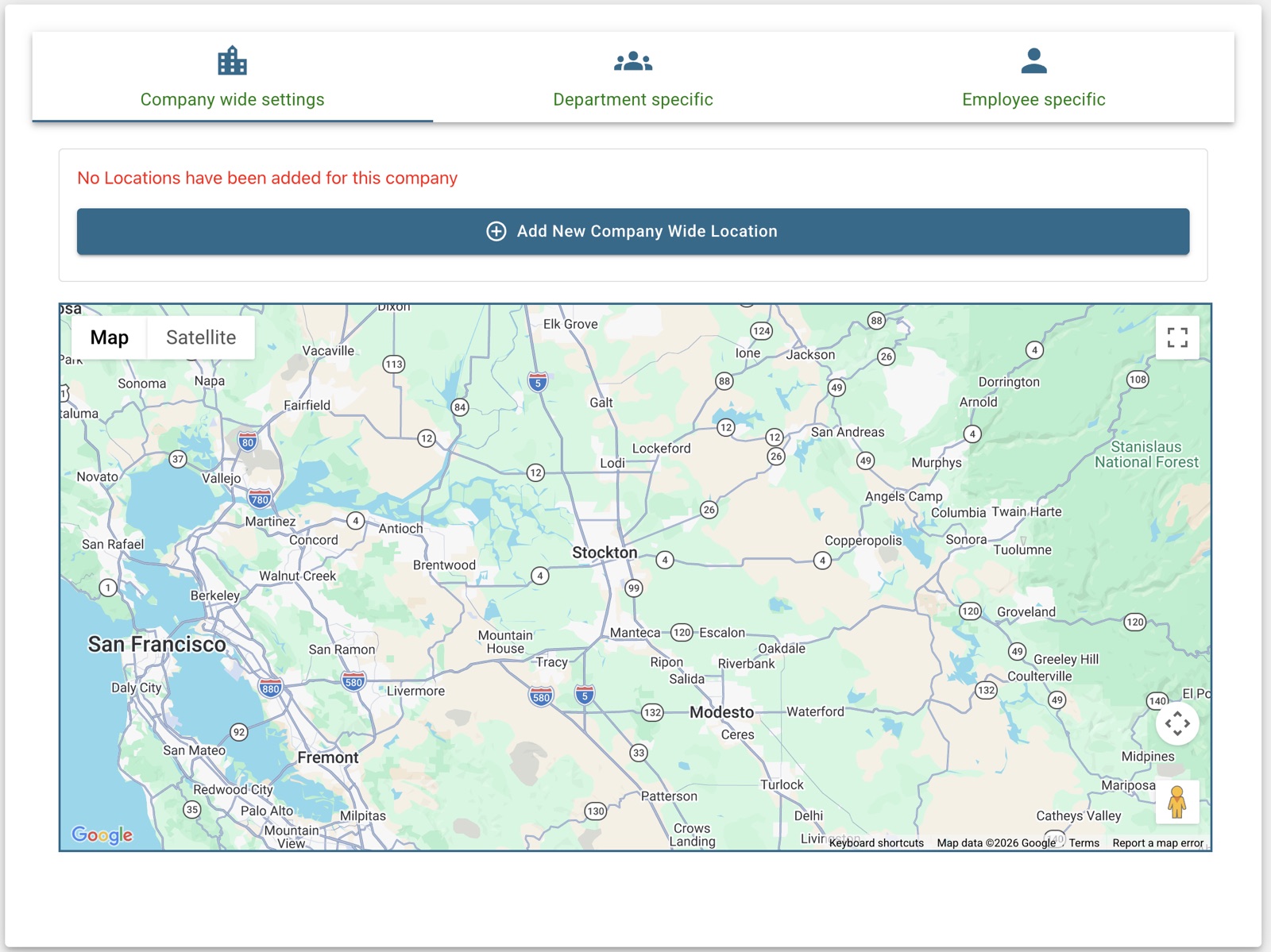
One system for every store and every shift
Managers run their own store. You see all of them.
A geofence per location
Each store gets its own clock-in area, so hours are recorded where the work happens.
Departments and managers
Organise staff by store or department so each manager schedules and approves their own team.
Cover the busy days
See coverage per day while you build the schedule and fill gaps with open shifts.
Time off that the schedule knows
Requests and approvals live next to the schedule, so nobody is booked on a day they asked off.
Who is in, right now
A live attendance board shows who is on shift, late or on break in every department.
Labour cost you can see
Scheduling and time analytics show hours and overtime by department, from your real numbers.
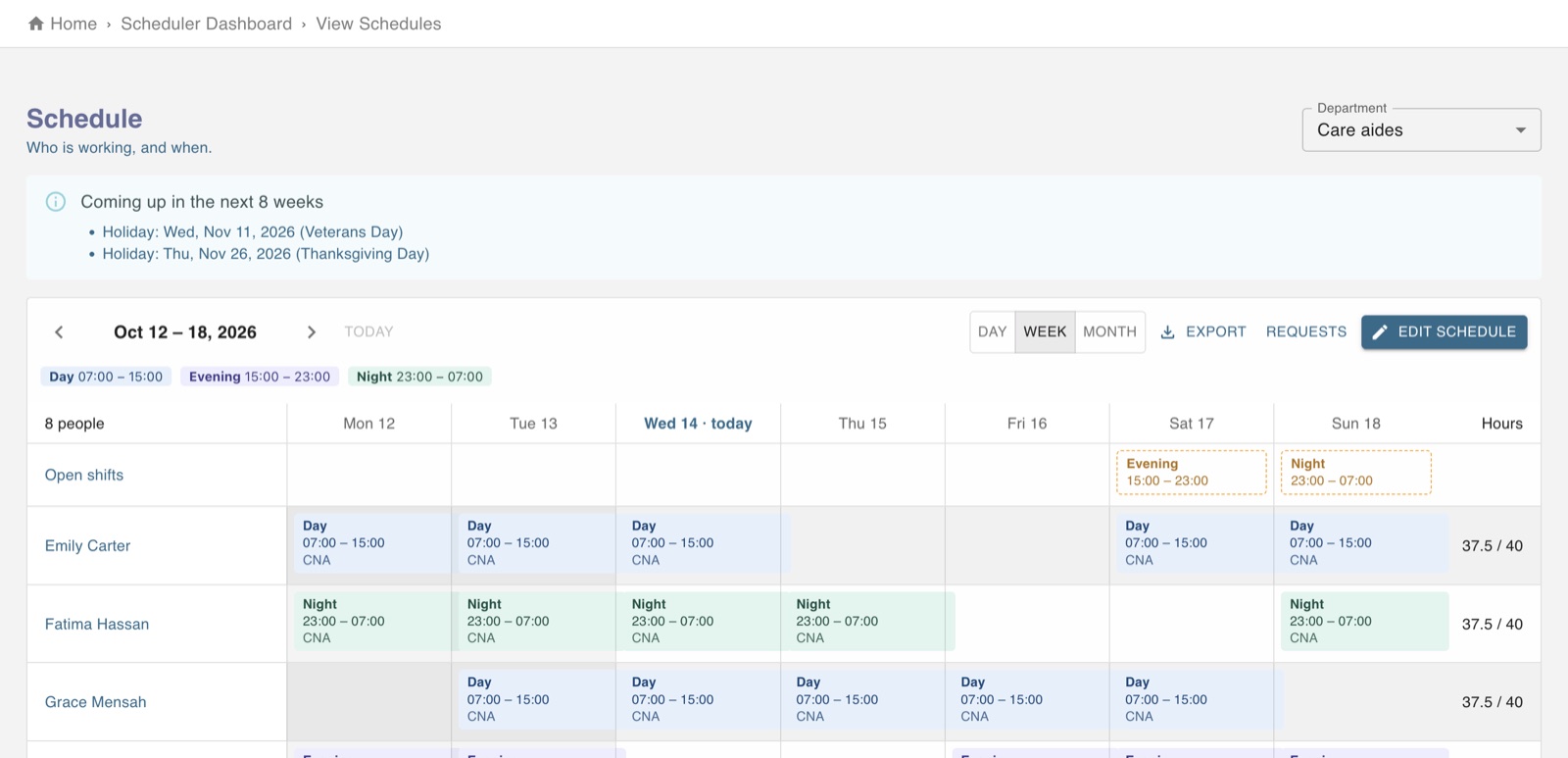
Seasonal staff without the scramble
Add new hires in minutes and they get the app the same day: their schedule, open shifts to pick up, and a clock-in that only works at their store.
- Import staff in bulk or add them one by one
- Free iOS and Android apps for every employee
- Payroll from approved hours, for all 50 states and DC
- Free invoicing if you also bill customers