Fill shifts without the group text
Post open shifts for staff to pick up, let people trade shifts with each other, and approve it all in one place. The schedule updates itself, and everyone sees it on their phone.
Included in Basic • 30-day free trial • Free iOS and Android apps
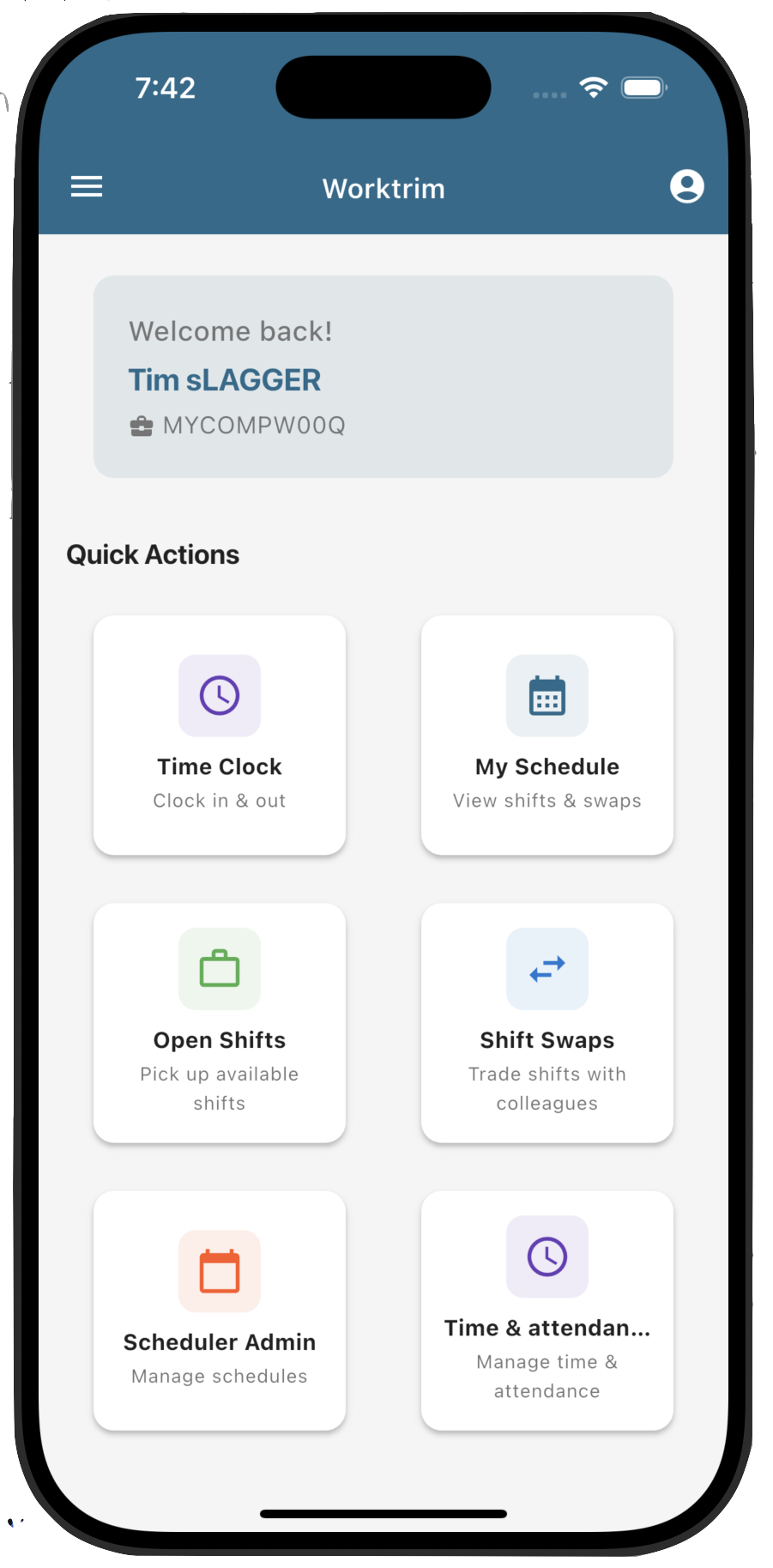
How a shift changes hands
Staff do the asking. You make the call. Nobody re-types the schedule.
1. Post or ask
You post an open shift, or someone asks to trade one of theirs.
2. Someone takes it
Staff pick up the open shift or accept the trade in the app.
3. You approve
Requests wait on your scheduling overview until a manager decides.
4. The schedule updates
The shift moves to its new owner, and hours and the time clock follow.
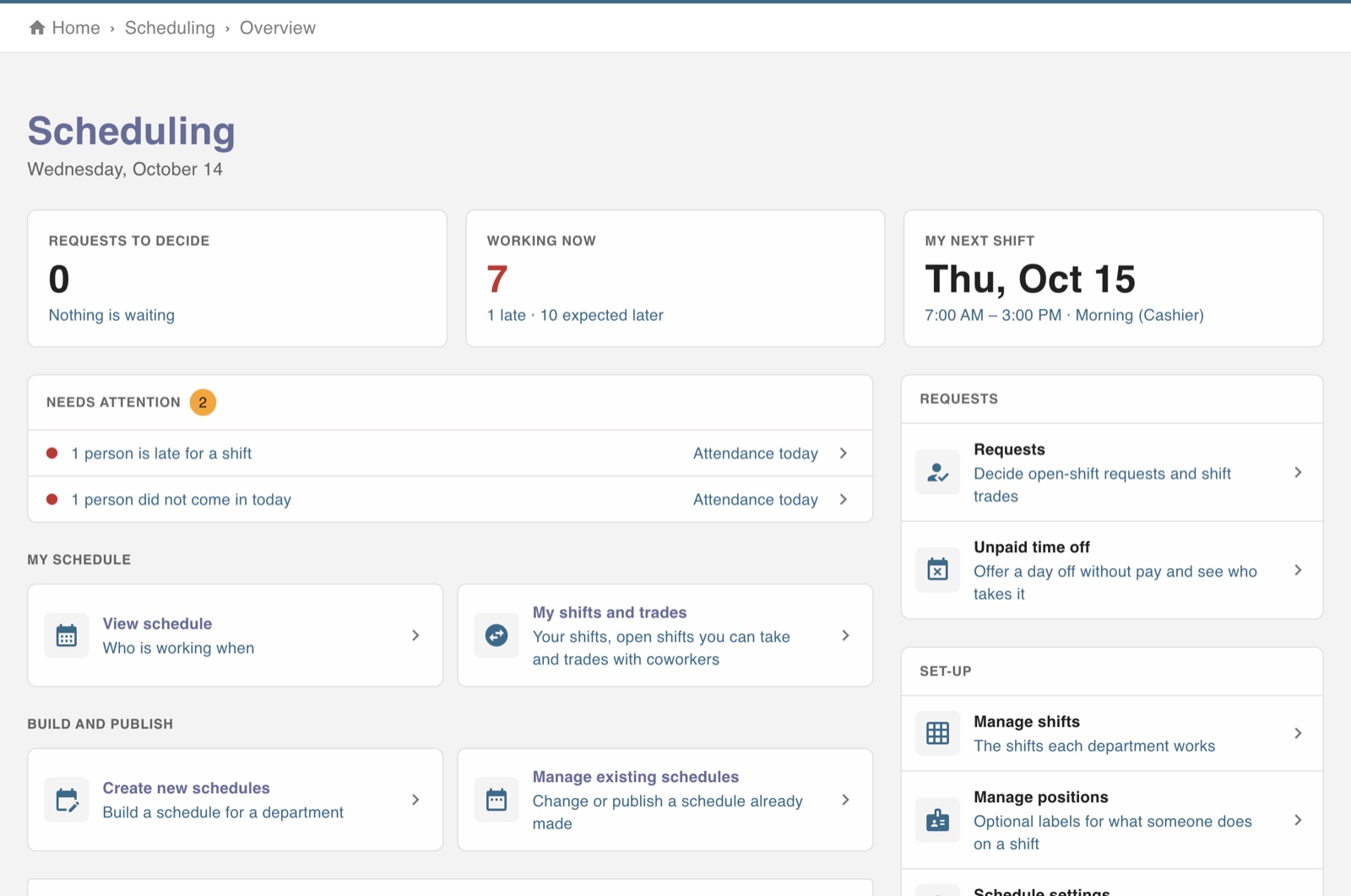
Every request in one queue
Open-shift requests and trades wait on the scheduling overview, next to who is working now and anyone running late. Set the rules for trades and open shifts once in schedule settings.
All of scheduling