Getting started
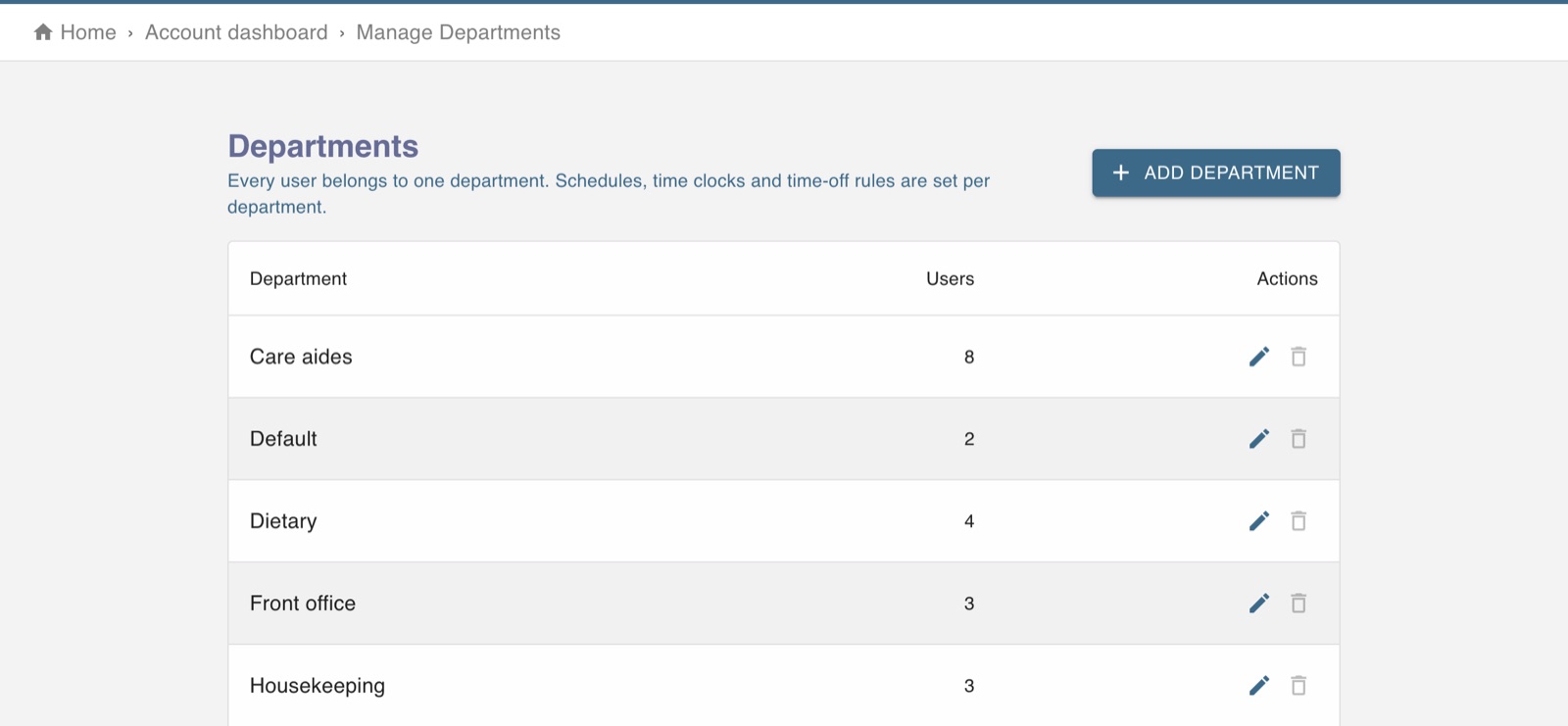
The screen in Worktrim.
Set up departments
A department is a team that is scheduled, clocked and paid together.
Steps
- Open Account, then Departments, and add each team.
- Put each person in their department when you add them, or change it later on their page.
- Schedules, shifts, punch approvals and the attendance board are all worked one department at a time.
Was this guide helpful?
Thank you.
Sorry it did not help. Tell us what was missing and we will improve it.
Still stuck?
Email [email protected] or send us a message. The people who build Worktrim answer.
Contact us