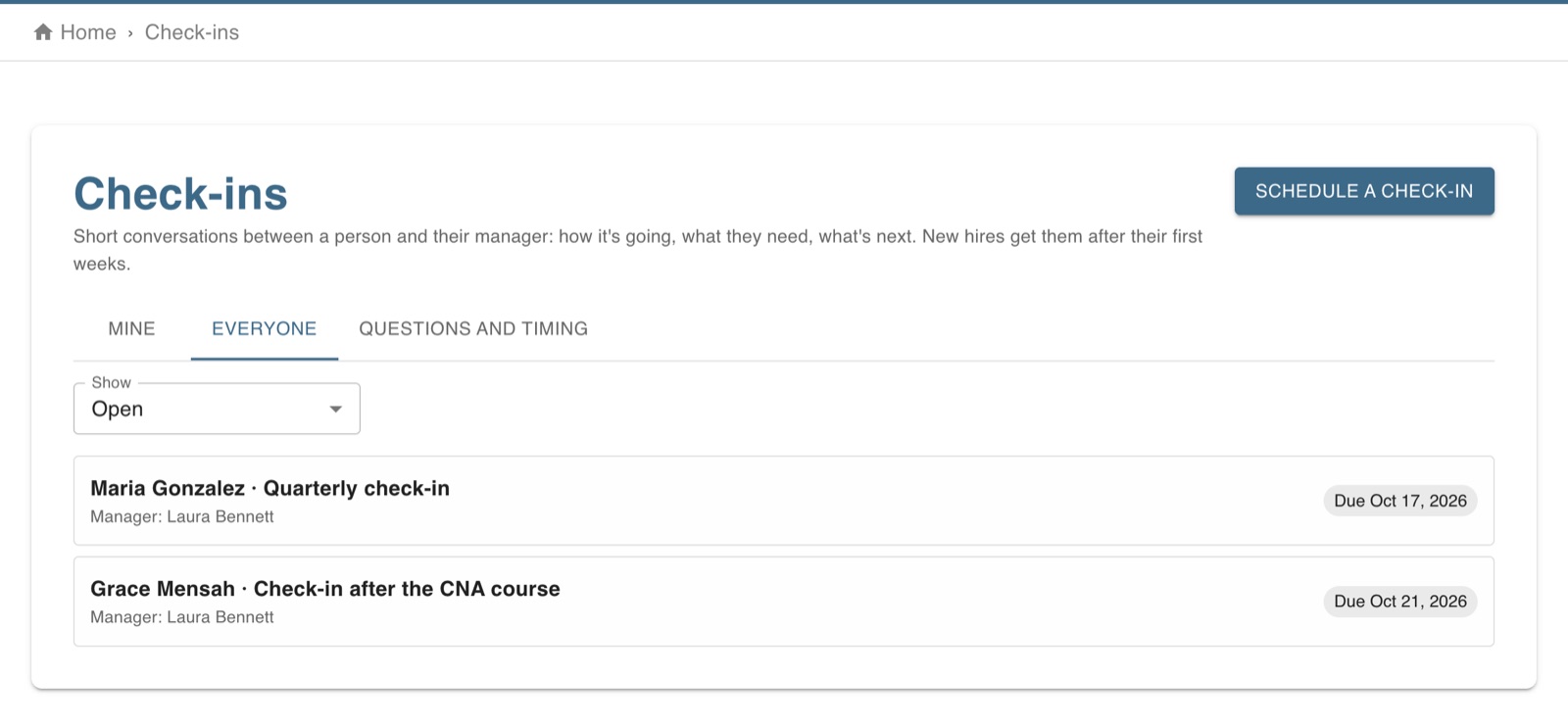
New hires get check-ins at 30, 60 and 90 days with their manager; you can schedule one with anyone at any time.
Part of Time & attendance, on every paid plan.
Steps
New-hire check-ins are made by themselves a week before each day (30, 60 and 90 days after someone starts, unless you change the days under Questions and timing), with the person's department administrator or the account owner as manager.
The person answers their questions first; the manager sees the answers, adds their own, writes the next steps (the person sees them) and can keep a private note.
Choose Save and close when you've met. Both sides are reminded two days before.
People managers can schedule a check-in with anyone, see everyone's, and change the questions.
The screen in Worktrim.
Open it in Worktrim
You will be asked to sign in if you are not already.