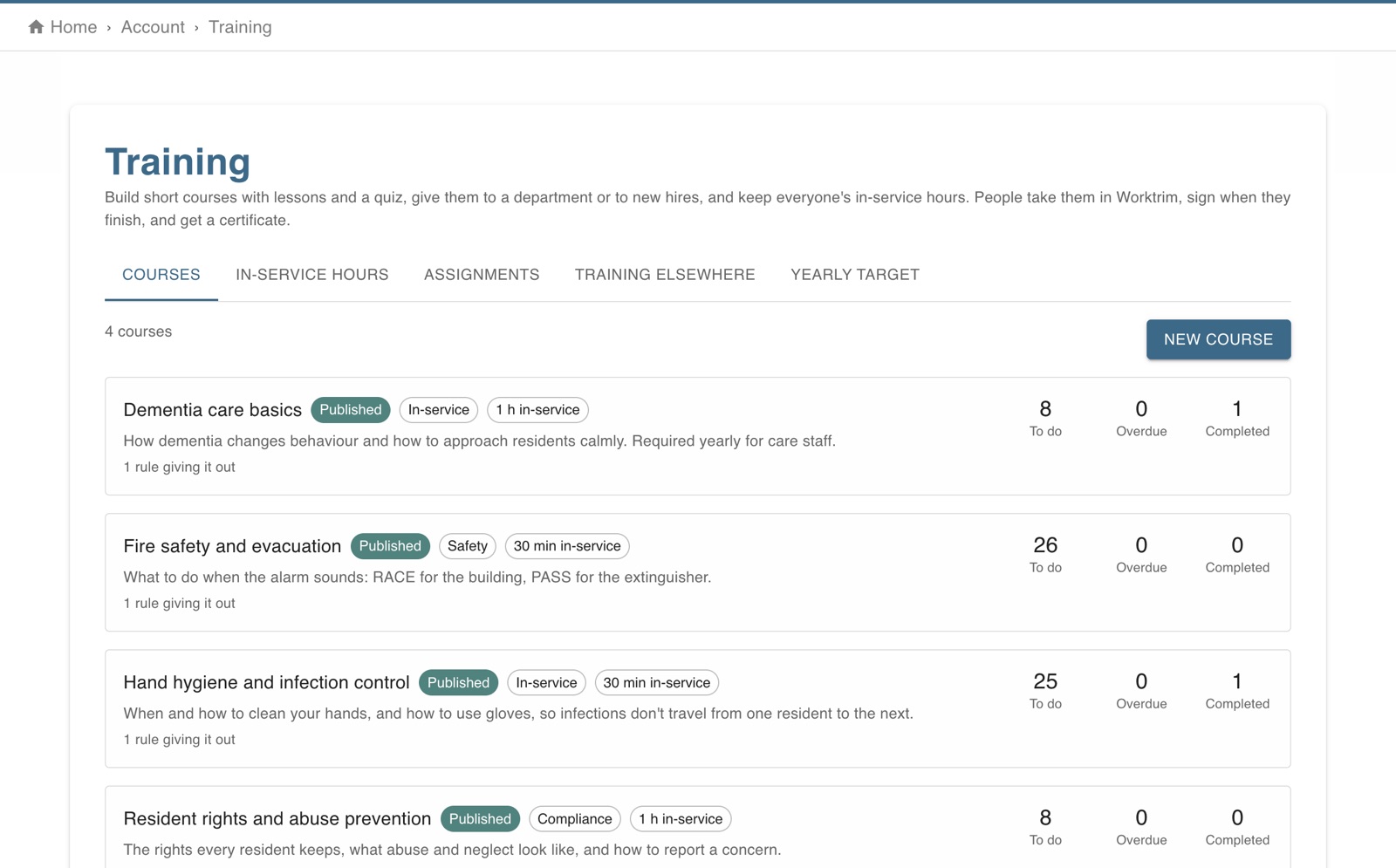
Make short courses with lessons and a quiz, give them to a department or to new hires (and again every year), and see everyone's in-service hours against a yearly target.
Part of Time & attendance, on every paid plan.
Steps
Open Account, Training, and choose New course. Give it a title, how many in-service hours it counts for, and lessons: text, a video link (YouTube and Vimeo play in the page) or a handout. Add a short quiz with a pass mark if you like.
If finishing it renews a certification (CPR, food handler...), choose which and for how many months; it is then recorded under Certifications and licenses.
Publish it, then add a rule under Who takes it: everyone or a department, how many days they have, and whether it comes round again every year. New hires get it the same number of days after they start. You can also give it to people by hand.
People are told and find it under My training. They open each lesson, pass the quiz, and sign with their name; they can print the certificate. They're reminded a week before it's due and when it's overdue, and you're told what went overdue.
In-service hours shows each person's hours this year (courses plus training done elsewhere that you counted) against the target you set under Yearly target. Nurse aides in certified nursing facilities need at least 12 hours a year (42 CFR 483.95(g)).
Under Training elsewhere, count seminars and classes people took outside Worktrim; people can add their own, with the certificate, for you to decide.
The screen in Worktrim.
Open it in Worktrim
You will be asked to sign in if you are not already.