Getting started
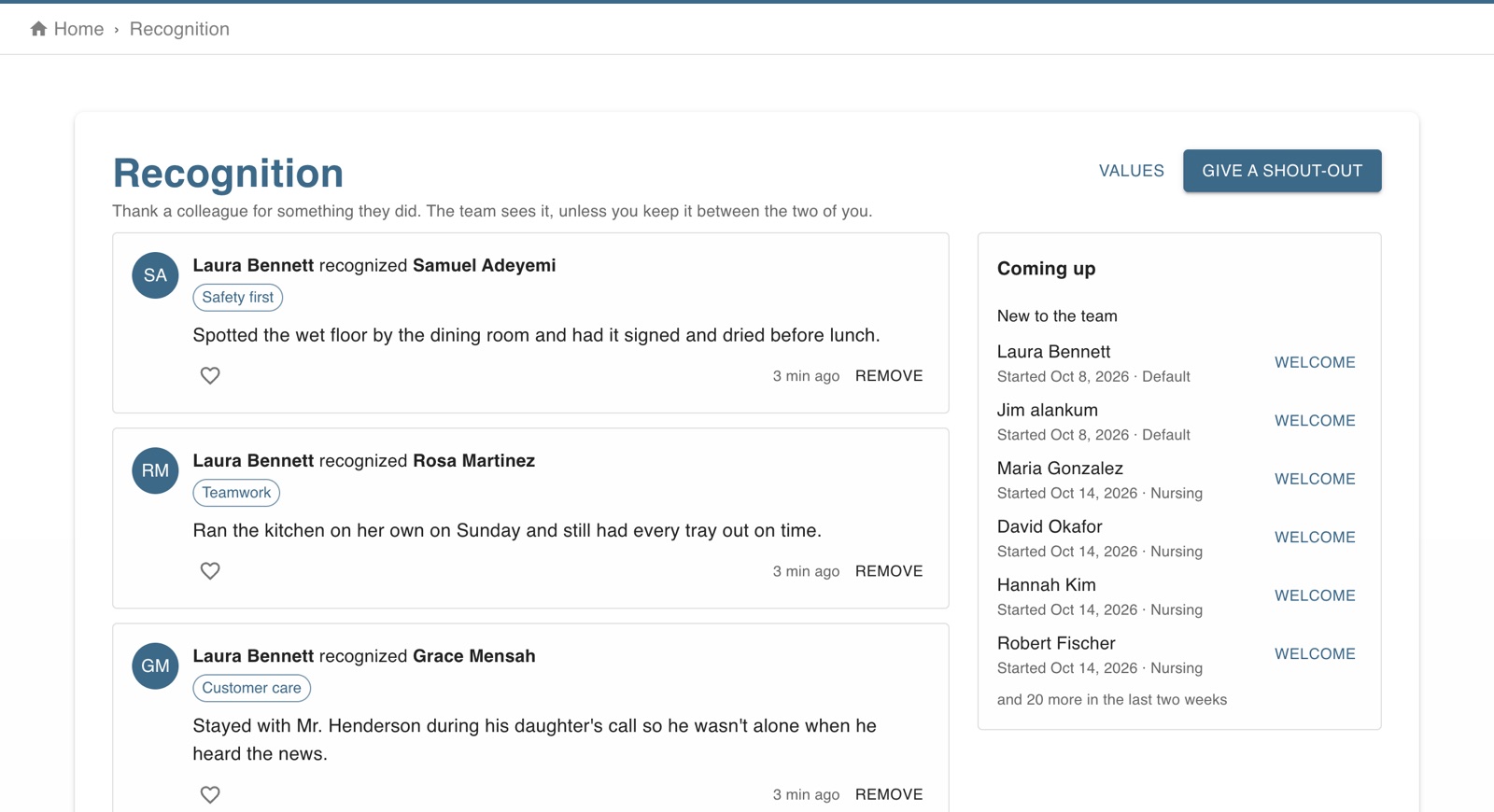
The screen in Worktrim.
Give a colleague a shout-out
Thank someone for something they did, tied to one of your company's values. The team sees it, or keep it between the two of you.
Part of Time & attendance, on every paid plan.
Steps
- Open Recognition and choose Give a shout-out: who, what for (one of your values, if you like) and what they did.
- They're told straight away. Everyone can cheer a shout-out; keep one private with Just between us.
- Coming up shows work anniversaries in the next two weeks and people who just started, so nobody's first day or fifth year goes unnoticed.
- People managers set the company's values (up to 12) and can remove a shout-out.
Was this guide helpful?
Thank you.
Sorry it did not help. Tell us what was missing and we will improve it.
Still stuck?
Email [email protected] or send us a message. The people who build Worktrim answer.
Contact us