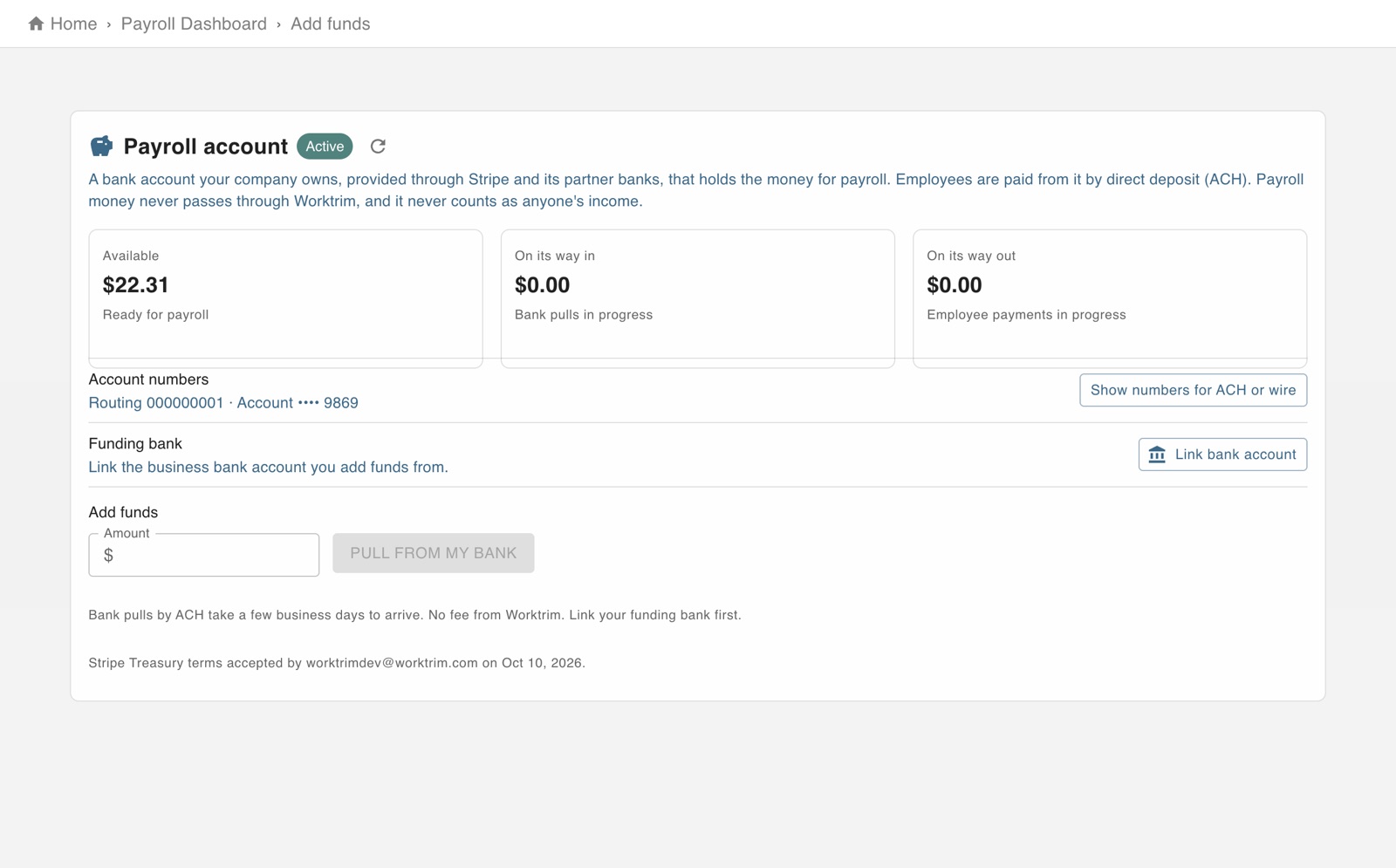
Each payroll takes your employees' net pay from your business bank in one ACH debit, and Stripe deposits each person's pay. There is no separate account to fund.
Needs a plan with payroll (Payroll, Pro, or Senior Care with payroll).
Steps
Open Payroll, Settings, Funding & payouts and choose the business bank account to debit for payroll. Stripe confirms the account, sometimes with two small test deposits.
When you approve a run, your employees' net pay is taken from that account in one ACH debit, about four business days before payday. Each run shows the date to approve it by.
Stripe then deposits each person's pay into their own bank account on payday. Direct deposit is included in the Payroll plan.
Payroll taxes are not taken with the payroll. They stay in your bank until the IRS and your state take them on their due dates; each run's review shows how much to keep, by agency.
Payroll history shows Payment clearing while the debit clears. If it fails or is returned, the run says why and your employees are told their pay is delayed. After a returned debit, payroll debits can be paused until Worktrim support has reviewed the account.
Invoice payments are paid out to your bank separately and are never used for payroll.
The screen in Worktrim.
Open it in Worktrim
You will be asked to sign in if you are not already.