Payroll
Watch it in Worktrim. Open as an animated GIF to share it.
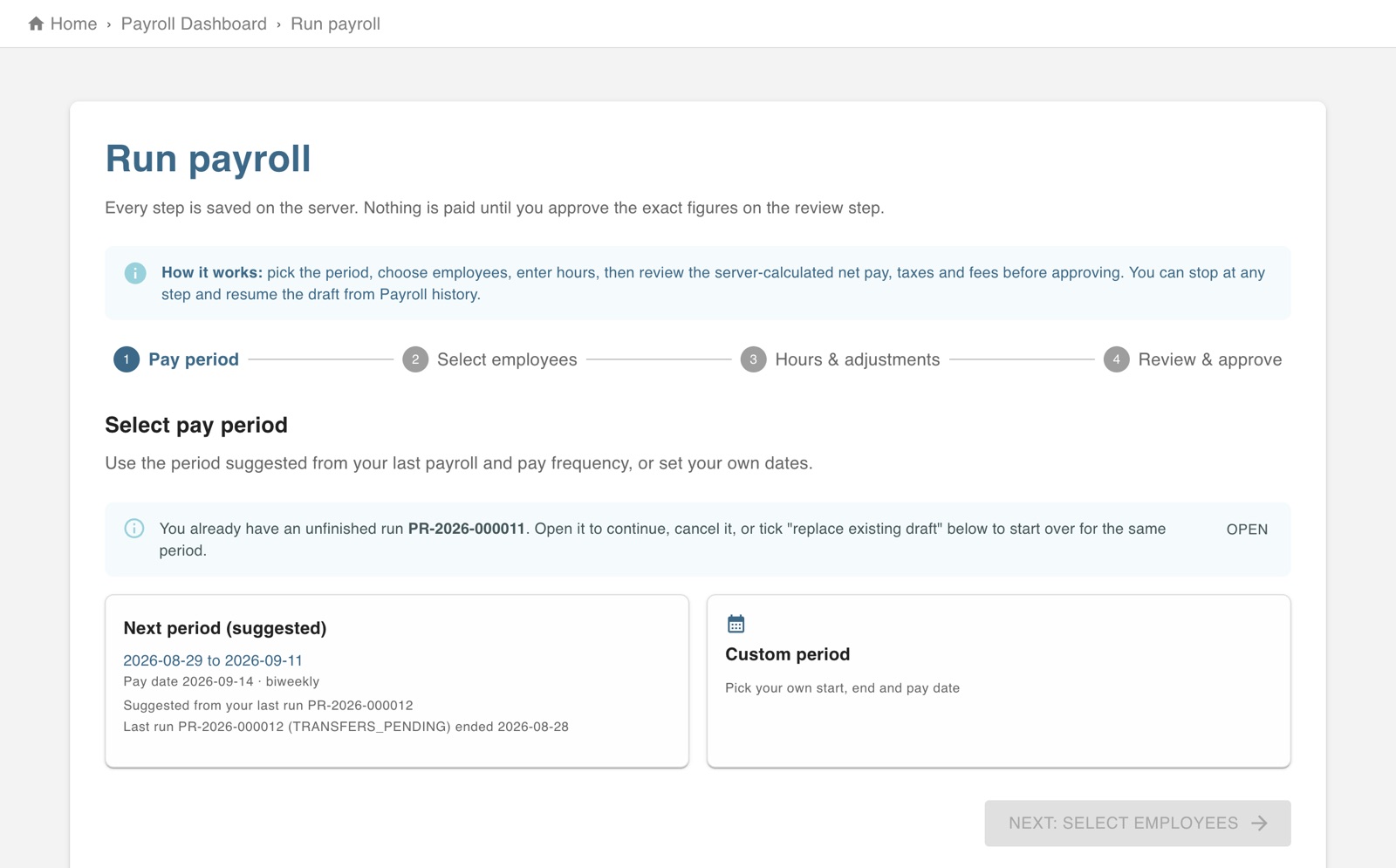
The screen in Worktrim.
Run payroll
Worktrim works out pay from approved hours. You review it and approve; nobody is paid before that.
Needs a plan with Payroll (Starter and above).
Steps
- Approve the hours for the pay period first (Attendance, Approve punch in/out).
- Open Run payroll. Worktrim suggests the next pay period and works out pay, taxes and deductions.
- Review each person. A run stays a draft, and can be changed, until you approve it.
- Approve the run. Payroll history then shows where it stands and tells you if a payment fails or is returned.
Open it in Worktrim
You will be asked to sign in if you are not already.
Was this guide helpful?
Thank you.
Sorry it did not help. Tell us what was missing and we will improve it.
Still stuck?
Email [email protected] or send us a message. The people who build Worktrim answer.
Contact us