Invoices
Watch it in Worktrim. Open as an animated GIF to share it.
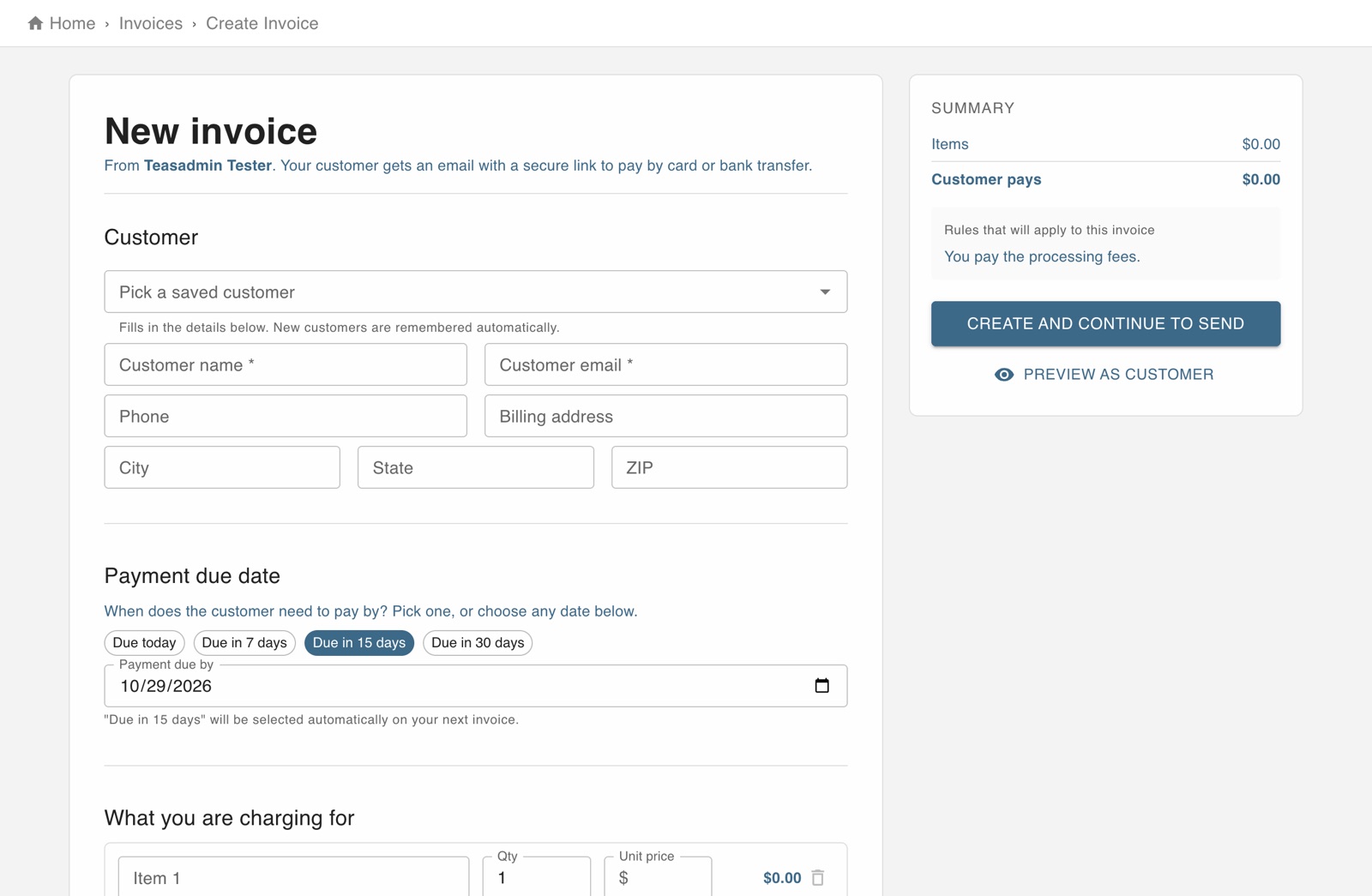
The screen in Worktrim.
Send an invoice and get paid online
Your customer gets an email with a secure link and pays by card or bank transfer.
Steps
- Open Invoices and press New invoice.
- Choose or enter the customer, set the due date and add what you are charging for. Tax, a discount and a deposit are optional.
- Press Preview as customer to see exactly what they will receive.
- Create and send it. You can also save it as a draft and finish later.
- The invoice list shows what is open, overdue and paid.
Was this guide helpful?
Thank you.
Sorry it did not help. Tell us what was missing and we will improve it.
Still stuck?
Email [email protected] or send us a message. The people who build Worktrim answer.
Contact us