Choose whether your business or your customer pays the fees on each invoice payment.
Steps
Every online payment has a Stripe fee and a Worktrim fee. A bank (ACH) payment costs much less than a card.
On a new invoice, Processing fees asks who pays them and shows, in dollars, what the customer pays and what you receive by bank and by card.
If your customer pays, the pay page shows the fee for bank and for card, and they tick a box to agree to it before paying. Each payment keeps a record of what they agreed to.
Card fees passed on are limited to 3% of the payment and are never added to debit or prepaid cards. Some states do not allow them at all; then only the bank fee is passed on.
Set the choice for new invoices on the Reminders and fees tab. You can still change it on each invoice.
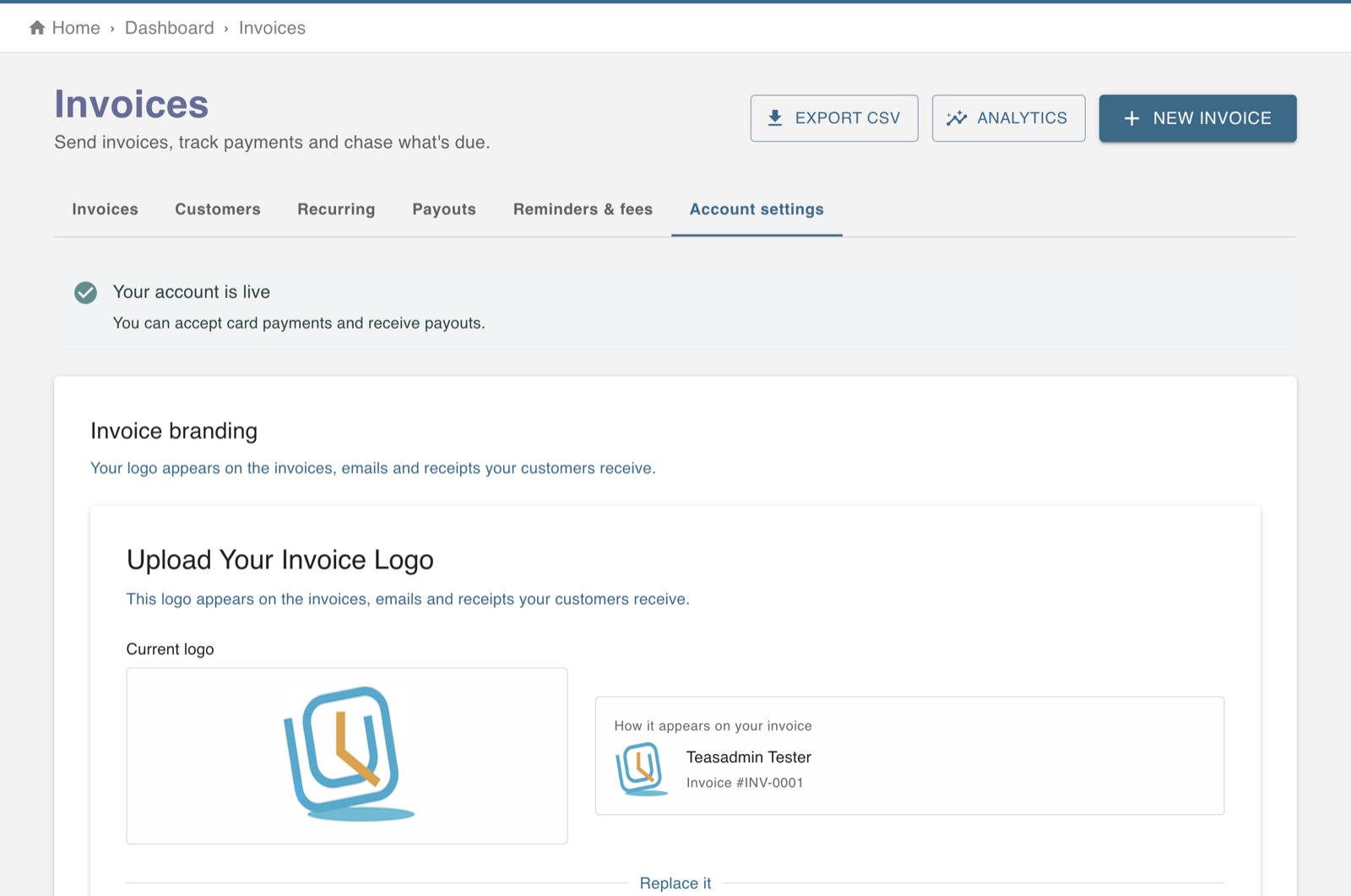
The screen in Worktrim.
Open it in Worktrim
You will be asked to sign in if you are not already.