Press Ask Alice, the teal and orange tab on the right edge of any page, and type your question. Alice is an AI: she answers from these guides, for the parts of Worktrim your plan includes, and can't see or change anything in your account.
You can also press the search icon at the top (or Ctrl+K, ⌘K on a Mac) and type what you are trying to do.
If the answer isn't what you needed, open Help: every guide for your plan is there, and so is the chat with Worktrim support (the button at the bottom of the Help page).
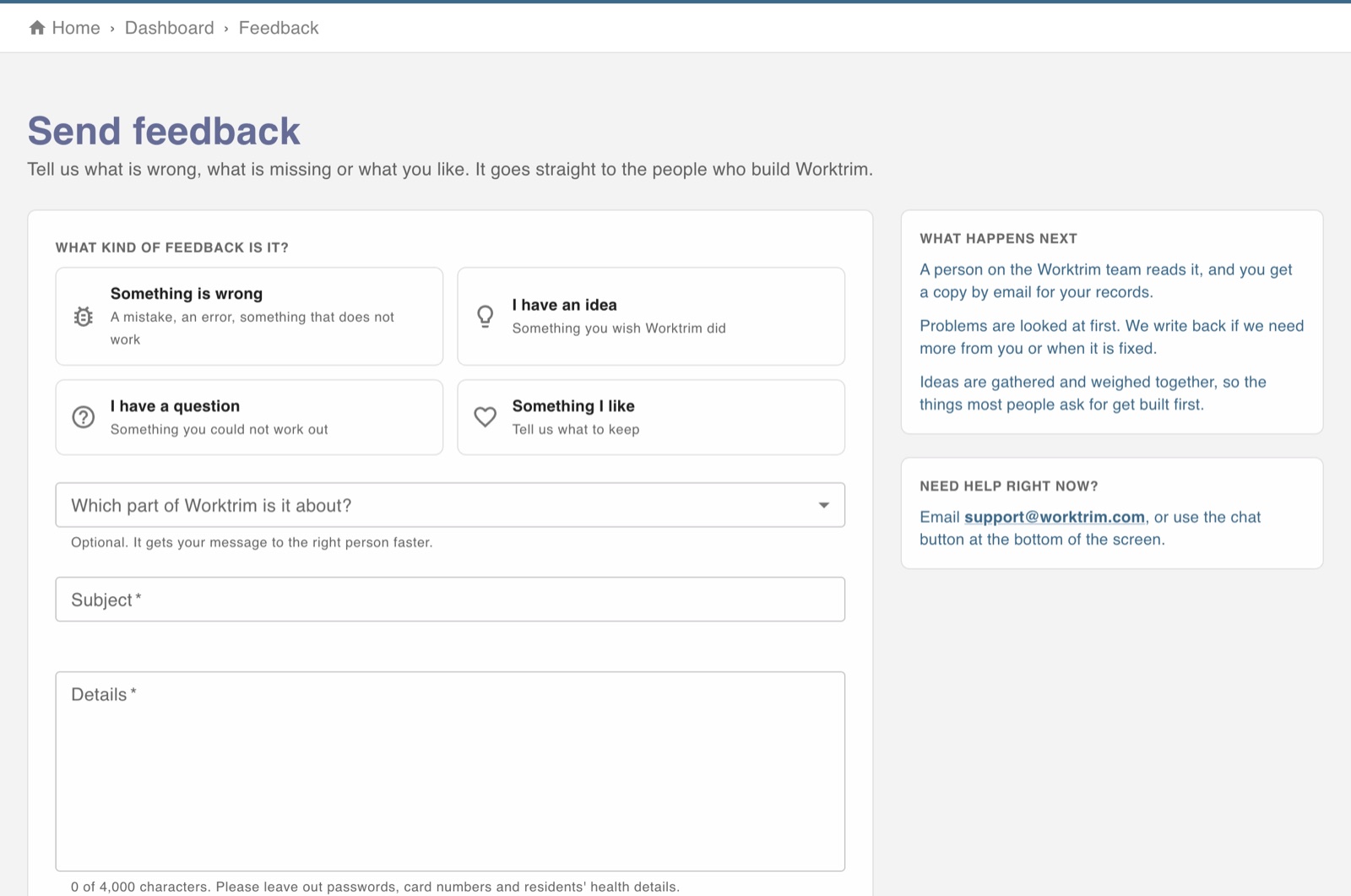
Send feedback goes to the people who build Worktrim: a problem, an idea, a question or praise. You can attach a screenshot, and you get a copy by email.
For something urgent, email [email protected] or chat with us from the Help page.
The screen in Worktrim.
Open it in Worktrim
You will be asked to sign in if you are not already.