Senior care
Watch it in Worktrim. Open as an animated GIF to share it.
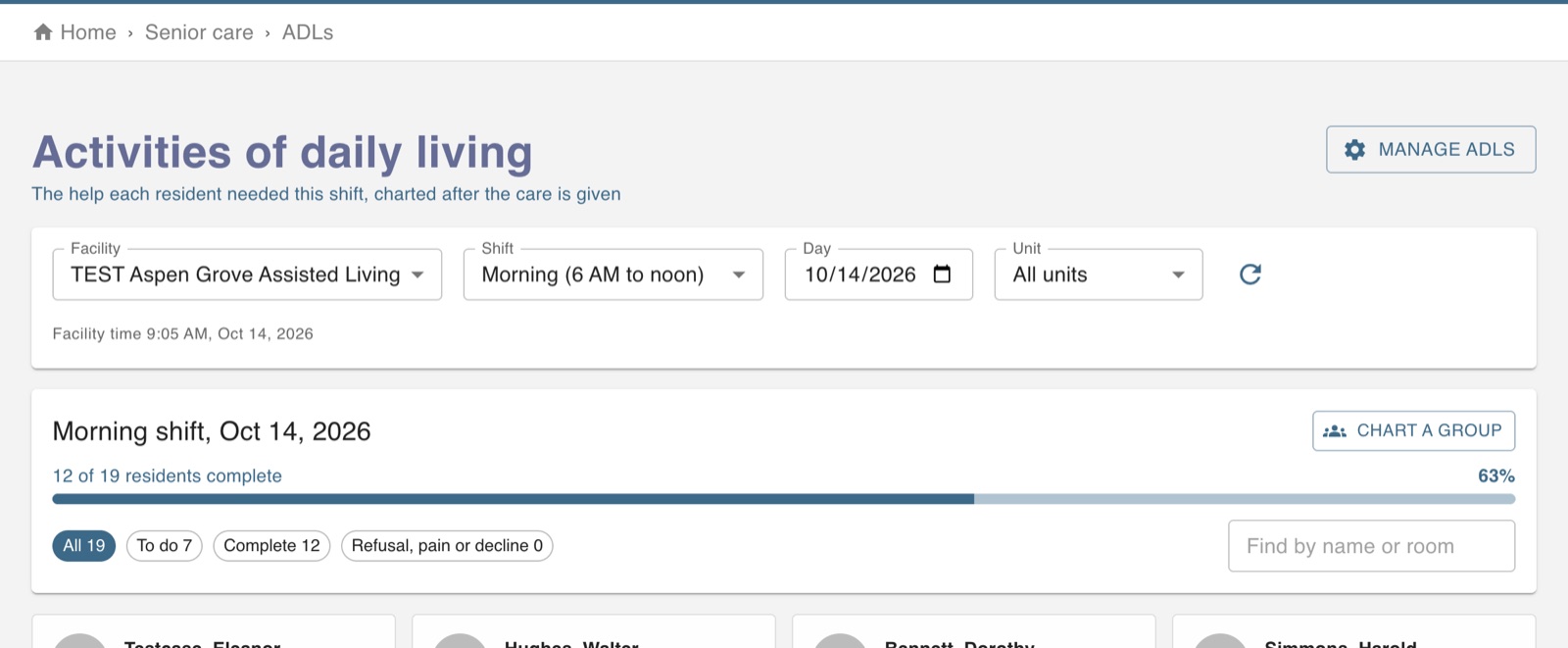
The screen in Worktrim.
Chart ADLs
For each resident and shift, record how much help they needed with each activity.
Needs the Senior care (Healthcare) plan.
Steps
- Open ADLs. The board shows each resident and what is still to chart for the current shift.
- Choose the level of help for each activity, or mark that it did not occur or was refused.
- There is one record per resident, day and shift. Entries by different people are kept together, and every entry stays in the history.
- Changing an answer needs a reason. After the shift, late entries are still accepted for a while and are marked as late.
- Group charting fills in the same answer for several residents at once; it never changes what is already charted.
Was this guide helpful?
Thank you.
Sorry it did not help. Tell us what was missing and we will improve it.
Still stuck?
Email [email protected] or send us a message. The people who build Worktrim answer.
Contact us