Attendance
Watch it in Worktrim. Open as an animated GIF to share it.
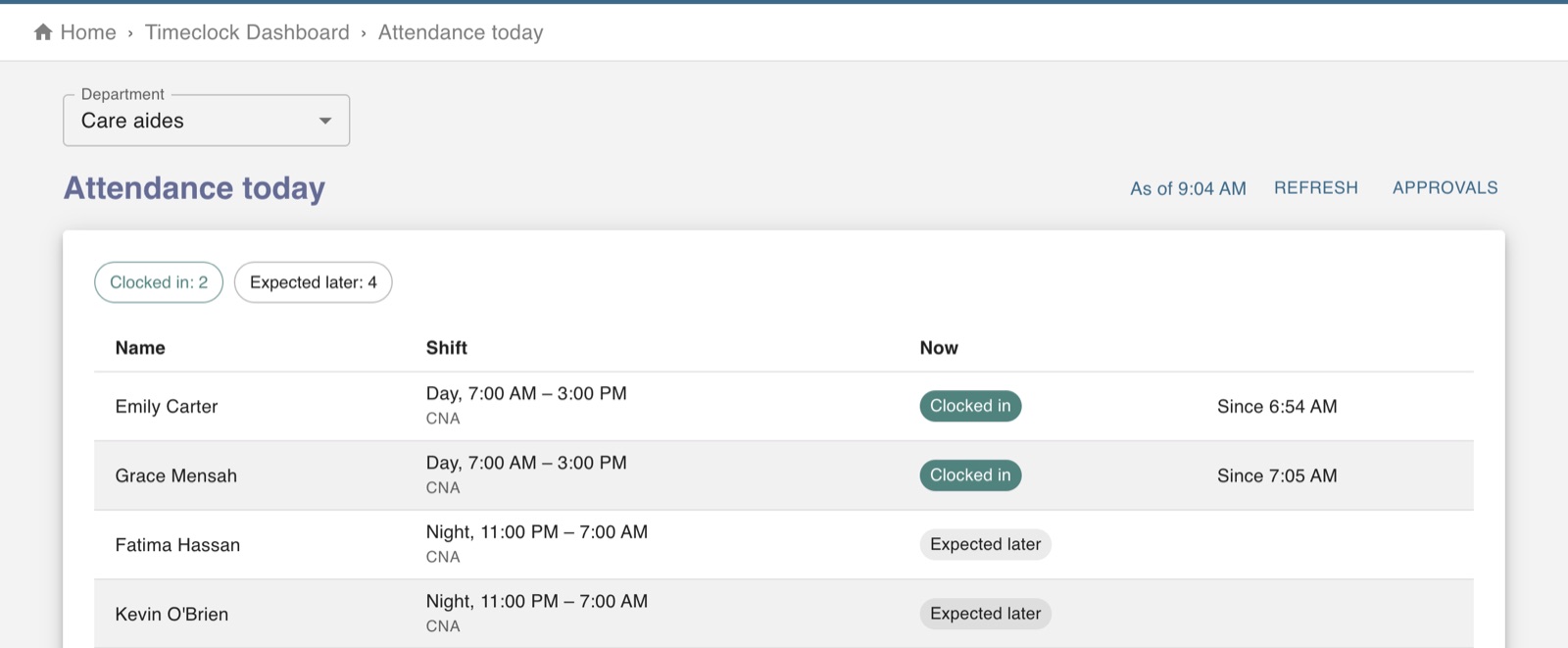
The screen in Worktrim.
See who is in, late or missing today
The attendance board compares today's schedule with who has clocked in.
Part of Time & attendance, on every paid plan.
Steps
- Open Attendance today and choose the department.
- Each person scheduled is shown as in, on a break, expected later, late and not clocked in, left, absent or on leave.
- People who are late also appear under “Needs your attention” on Home.
- Without a schedule there is nothing to compare with, so nobody can be shown as late.
Was this guide helpful?
Thank you.
Sorry it did not help. Tell us what was missing and we will improve it.
Still stuck?
Email [email protected] or send us a message. The people who build Worktrim answer.
Contact us