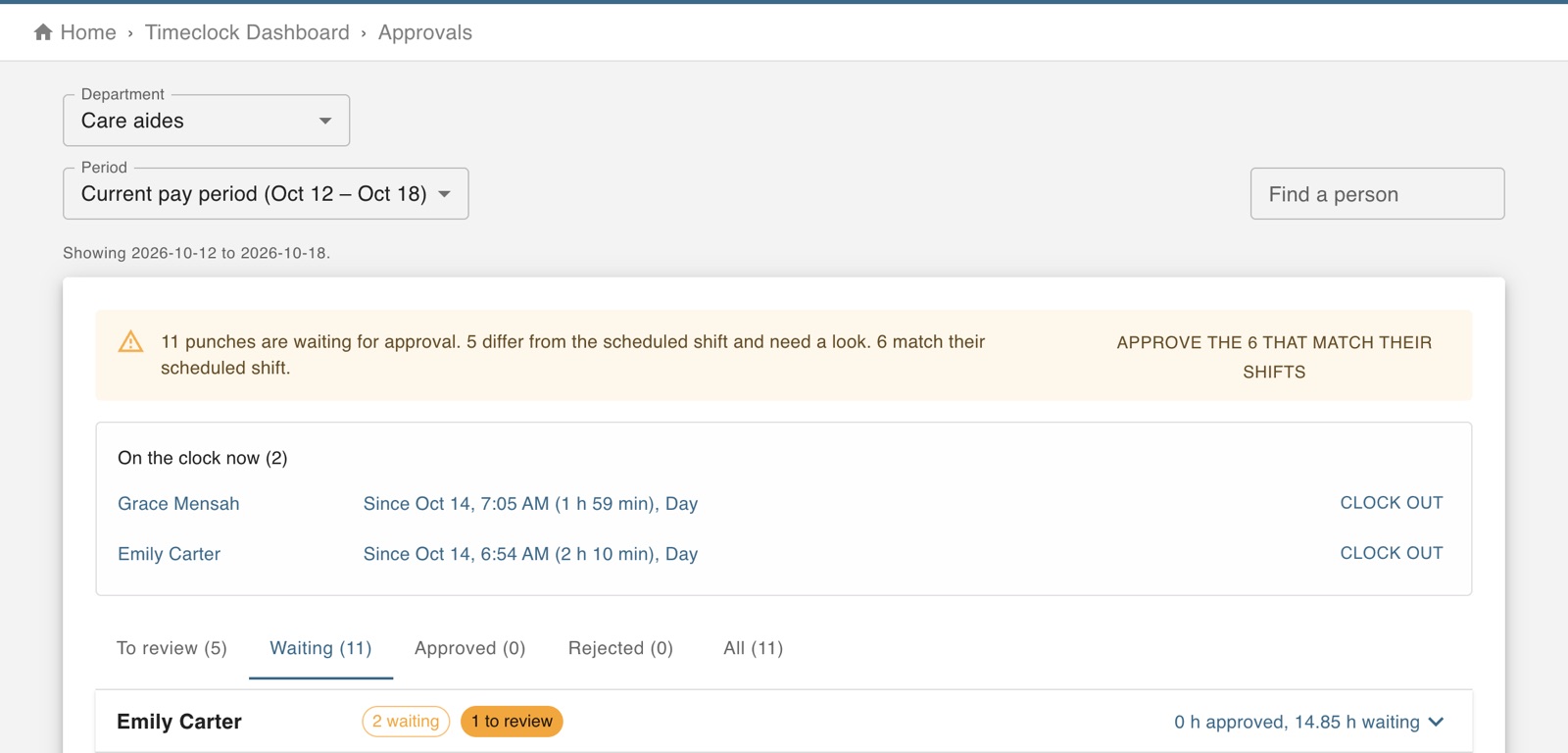
Hours are paid only once a manager has approved the punches.
Part of Time & attendance, on every paid plan.
Steps
Open Approve punch in/out and choose the department.
Punches that need a look are flagged: late, left early, not scheduled, off site, or closed automatically.
Correct the times where needed, then approve.
Approve before you run payroll: hours that are not approved are left out of the run. Punches still waiting from a pay period that has ended are the ones to do first.
The screen in Worktrim.
Open it in Worktrim
You will be asked to sign in if you are not already.