How to stop buddy punching without treating everyone as a suspect
Buddy punching is one employee clocking in or out for another. It is rarely a scheme. Usually it is a favour: someone is stuck in traffic, a friend taps their code, and fifteen minutes that were not worked get paid. Over a year, across a team, those favours add up to real money and to timesheets nobody can fully trust.
The fix is not more suspicion. It is a clock-in that only works for the right person, in the right place, at the right time, and a short, regular review of the exceptions.
Why it happens
- Shared codes and paper sheets. If anyone can type a number or write a time, anyone can clock in for anyone.
- Clocking in from anywhere. A phone app with no location check lets someone clock in from the car park, or from home.
- Nobody looks until payroll. When timesheets are only checked on payday, a pattern has weeks to settle in.
1. Give everyone their own way to clock in
Start by making every punch personal. On a shared tablet that means a PIN per person, never a shared one, and PINs that are shown only once when they are created. On phones it means each employee signs in to their own app. A punch should always answer one question without argument: who was this?
2. Check location with a geofence
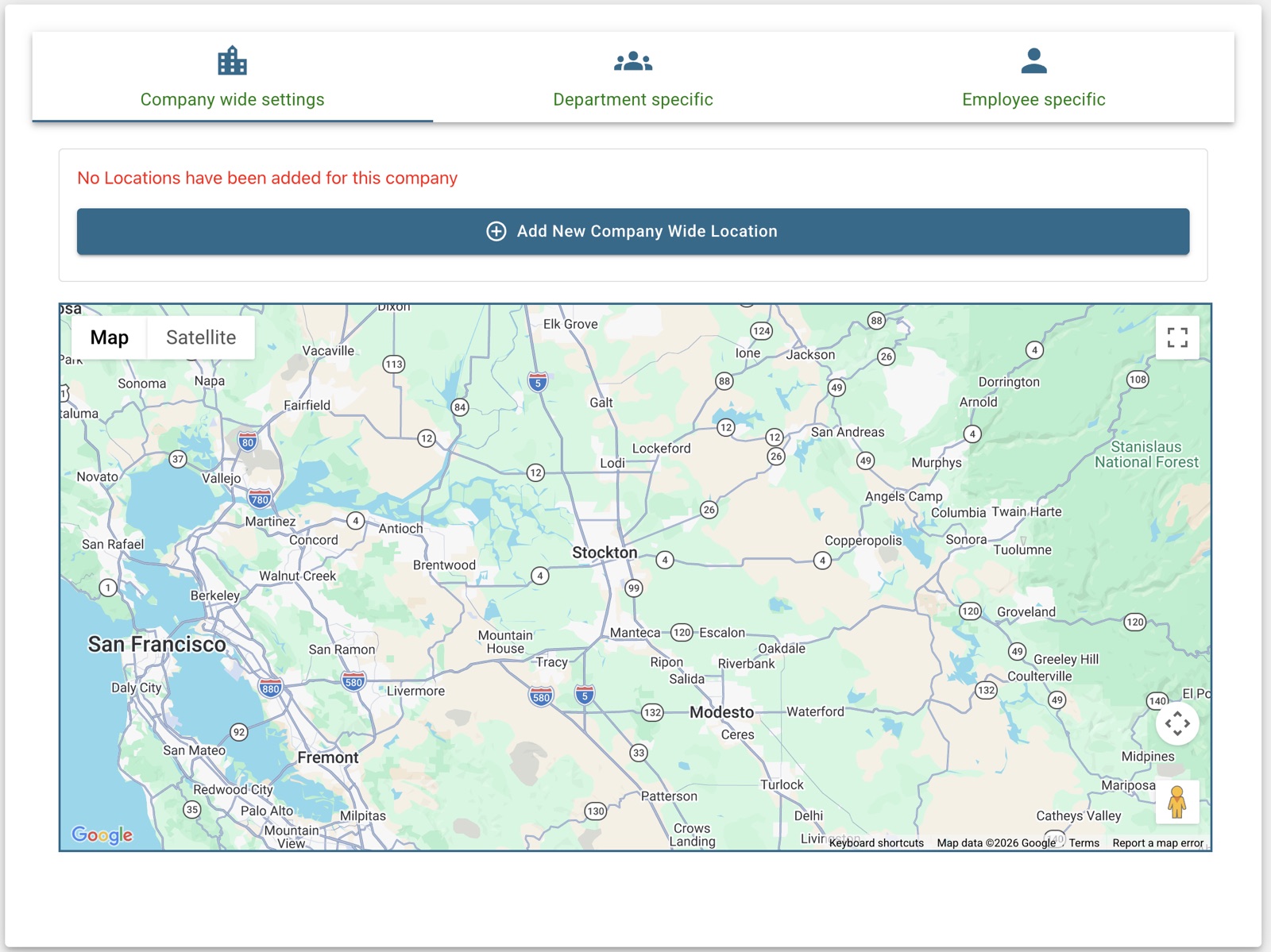
A geofence is a circle you draw around each work location. The app accepts a clock-in only from inside it. Set the radius large enough to cover the building and its car park, and add each site you run separately. This alone ends clocking in from home or from the road.
3. Add a photo at clock-in
A photo taken at the moment of the punch makes it obvious who clocked in. Most people will never be asked about one; its value is that everyone knows it is there. Tell your team why you are switching it on and who can see the photos.
4. Compare punches with the schedule, daily
The quickest way to spot a problem is to compare the punch with the shift. Someone clocked in on time but their manager says they arrived at 9:20? Someone clocked in on a day off? Look at late arrivals and missing punches every day, while people still remember what happened, instead of at the end of the pay period.
Keep it fair. Write the policy down: how to clock in, what to do when you forget, and who to tell when the kiosk is down. Apply it to everyone, including managers. Most timesheet disputes are about a rule nobody wrote down.
5. Let staff confirm their own hours
Before payroll, ask each person to look at their timesheet and either confirm it or say what is wrong. People notice a missing shift quickly when it is their pay. Disputes get settled before the run, not after, and an employee who confirmed their hours is far less likely to have had someone else punch for them.
6. Close forgotten punches automatically
Not every bad timesheet is dishonest. A punch left open overnight is a mistake that can pay twelve hours nobody worked. Close open punches automatically after a set number of hours, mark them, and have a manager correct them before approval.
A short checklist
- One PIN or one app login per person. No shared codes.
- A geofence around every work location.
- Photo at clock-in, with a written policy on who sees it.
- A daily look at late, missing and off-schedule punches.
- Staff confirm their hours before each payroll.
- Forgotten clock-outs closed and flagged automatically.
Do all six with Worktrim
Personal PINs on a kiosk, geofenced and photo-verified phone clock-ins, a live attendance board and staff-confirmed timesheets are all on the Basic plan, free for 30 days.
Start free trial → See time & attendance